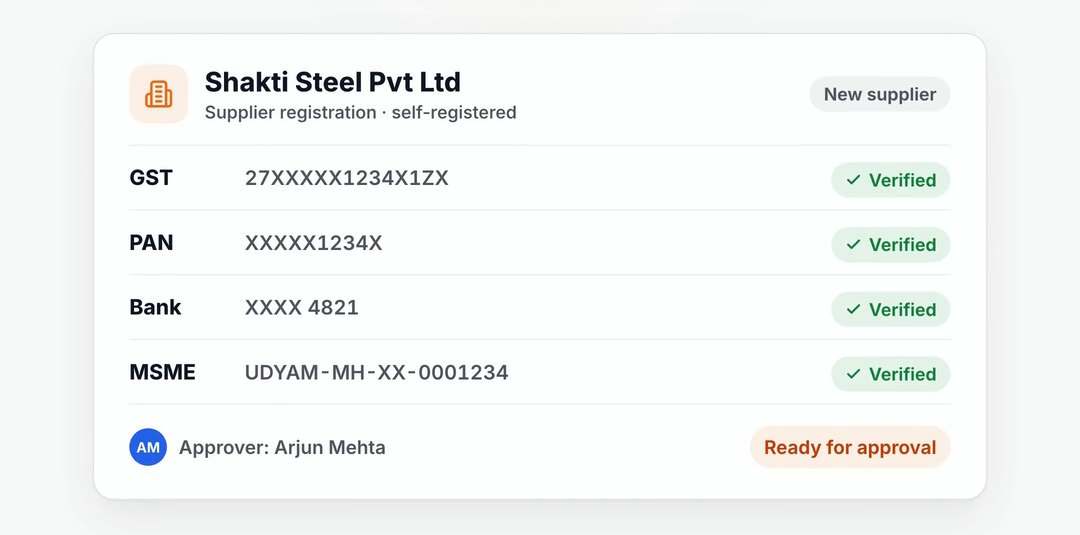


Read the invoice. Match the records. Review the exceptions.

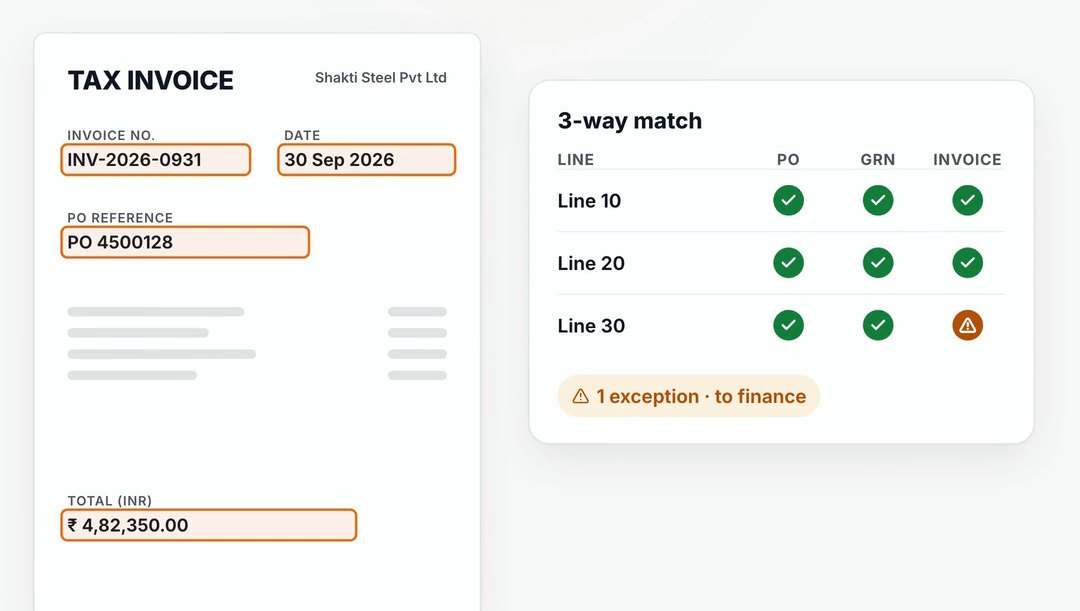
Suppliers submit invoices on the portal, or your team uploads them. AI capture reads the details, SupplierX matches the invoice to the PO and GRN, and mismatches are held with the reason shown.

SupplierX related pay workflow exampleSupplierX workflow example

Capture and match each invoice

Use AI invoice capture to read the document, then compare it with the purchase order and goods receipt. Invoices that fail the match are held for your team.

  • AI invoice capture (OCR)
  • PO, GRN and invoice matching
  • Held invoices with reasons
  • AI-drafted supplier dispute notes

Run controls before ERP booking

Block duplicate invoices and capture the tax and freight information needed for SAP. MIRO strict controls and gate invoice booking are available.

  • Duplicate invoice block
  • TDS and freight for SAP
  • e-Invoice IRN and e-way bill
  • MIRO strict controls

Prepare the proposal. Keep payment in the ERP.

The accounts payable agent prepares payment proposals for review in shadow mode. It never approves or posts. Your team executes payments in the ERP, and suppliers see payment status on the portal.

  • Payment proposals for finance review
  • AP never approves or posts
  • Payment execution stays in the ERP

See your process on SupplierX.

A 30-minute walkthrough around your ERP landscape, the documents your team handles and the stage you want to improve first.

Demo data. Your workflow. Clear next steps.