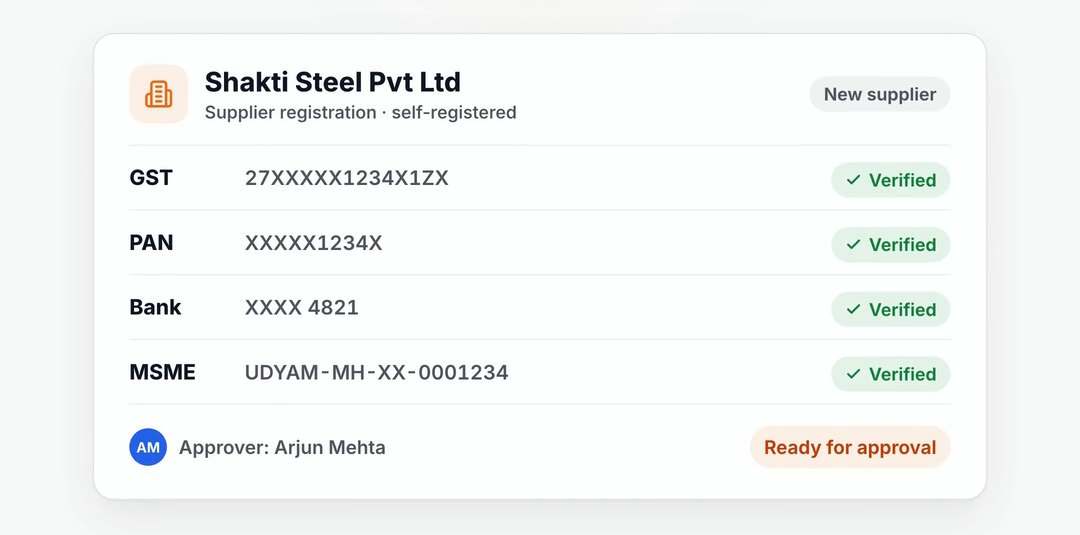


Still chasing purchase approvals?

Give approvers the purchase request, item details and history in one place. Follow pending decisions before an approved request becomes an order.

Start with one purchase request

Bring purchase requisitions together before raising a quotation request or order. Buyers can follow the requirement from request to quotation to purchase order.

  • Consolidated purchase requisitions
  • Connected request, RFQ and order records

Put the decision in front of the approver

Route purchase requests and orders through the approval workflows your team sets. Approvers see the document, item details and history before deciding.

  • PR and PO approval workflows
  • Document and item history
  • Pending approvals visible to each approver

Follow what is still waiting

Review pending approvals in SupplierX. Ask AeonX iQ about approvals or open orders in the app or on WhatsApp, and use the mobile app when away from your desk.

  • Pending approval queries
  • In-app and WhatsApp access
  • Mobile purchase approvals

Useful answers.

Who approves a purchase request?

Your designated approvers decide through the PR and PO workflows your team configures. AI assistance does not replace those approval responsibilities.

Can approvers work away from their desk?

The SupplierX mobile app supports purchase approvals. AeonX iQ can answer questions about pending approvals in the app or on WhatsApp.

What happens after approval?

Buyers carry the approved requirement into the purchasing process. SupplierX connects requests, quotations and orders; ERP connection scope is agreed for your implementation.

See your process on SupplierX.

A 30-minute walkthrough around your ERP landscape, the documents your team handles and the stage you want to improve first.

Demo data. Your workflow. Clear next steps.