
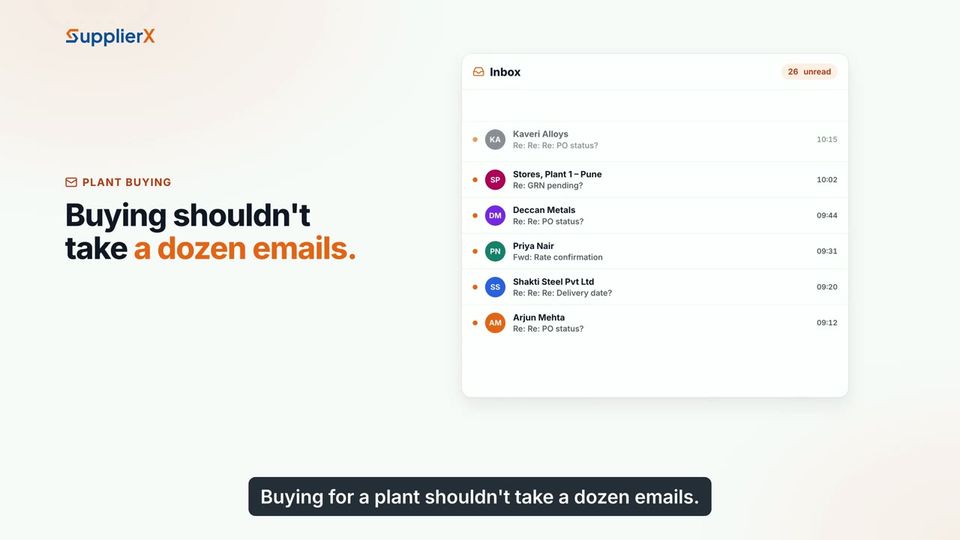
Supplier updates scattered across calls and spreadsheets?

Bring supplier details, quotes and purchase approvals into SupplierX. Buyers can follow the records and decisions behind each order.

Collect supplier details on the portal

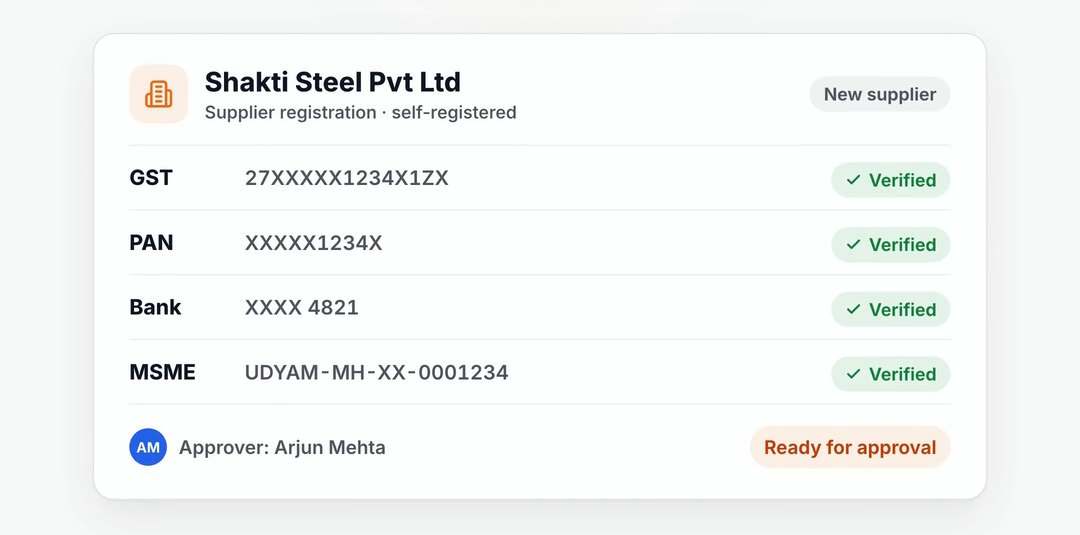
Repeated calls for documents make onboarding harder to track. Suppliers enter their details and upload documents in the portal. Your team reviews the checks before approving the record.

  • Supplier self-registration and document upload
  • GST, PAN, bank and MSME verification results
  • Buyer messages linked to the document

Move requests through the right approvals

An approved requisition can become a request for quotes. Compare supplier responses, then route purchase requests and orders under the approval rules you set.

  • Quotes submitted through the supplier portal
  • Pending approvals visible to each approver
  • Agreed contract prices used on purchase orders

Keep the order connected to the next team

Follow the order through goods receipt and invoice checks. Buyers can review the records behind a supplier question and coordinate with stores or finance.

  • Orders and receipts available to suppliers
  • Supplier invoice and payment status on the portal
  • Your buyers retain the supplier award decision

Useful answers.

Who decides which supplier gets the order?

Your buyers make the award decision. The negotiation agent can assist with price discussions, but it never awards an order on its own.

Do suppliers need to install an app?

Suppliers can register, upload documents and respond to quotes through the web portal. They do not need to install an app.

Can an approver see the order history?

Approvers can review the document, items and history before deciding. Their pending approvals are visible in their workflow.

See your process on SupplierX.

A 30-minute walkthrough around your ERP landscape, the documents your team handles and the stage you want to improve first.

Demo data. Your workflow. Clear next steps.